
Slice 1: the first real screens (and the first real bug)
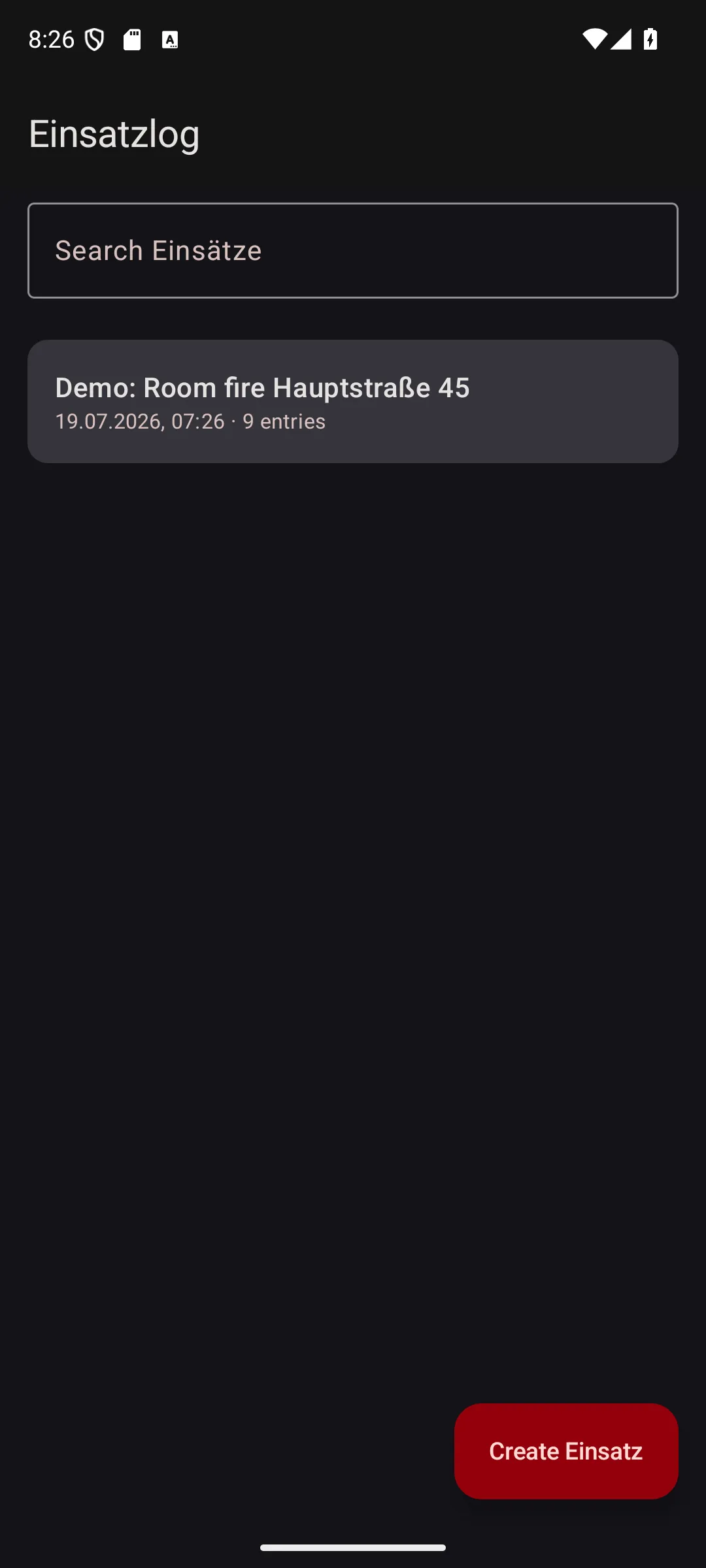
Two days after the kickoff, the first vertical slice is done: the Home screen and the Einsatz lifecycle, straight from napkin sketch to running app.
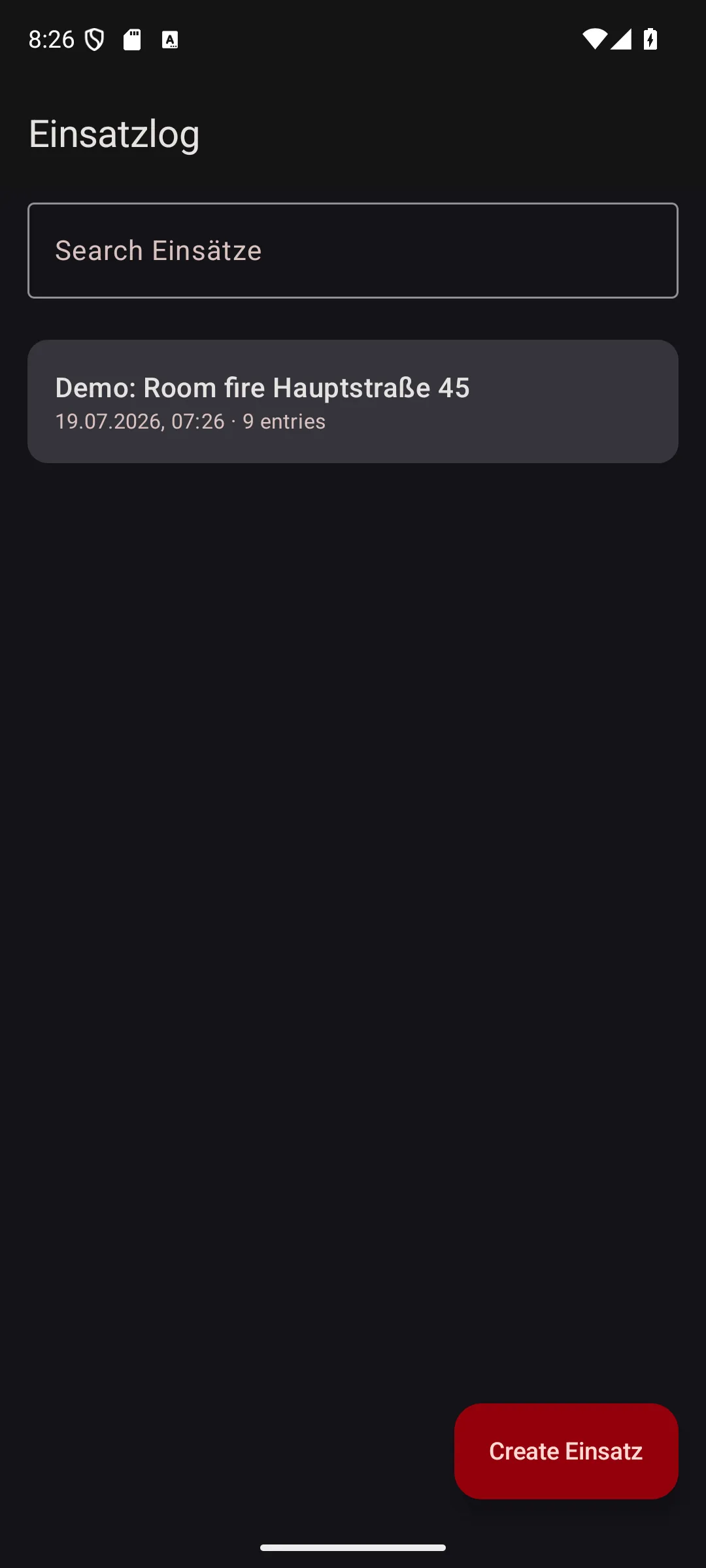
What shipped (spec 002 in the repo):
- A searchable Einsatz list — and the search is umlaut-insensitive, because typing “hauptstrasse” with gloves on must find “Hauptstraße”. A tiny normalization function, three unit tests, done.
- Create in two taps + a name. Close (“Beenden”) makes an Einsatz read-only — the record is sacred. Reopening is allowed, but it documents itself: the app writes a Dokumentation entry saying so. An audit trail that can’t be edited away.
- Delete has no confirmation dialog. It hides the Einsatz immediately and gives you ten seconds to undo. Confirmation dialogs train people to click “yes”; undo respects that mistakes happen after the action.
- A demo Einsatz — a realistic room-fire scenario with nine radio messages, seeded on request from the empty state. Judges and first-time users see a filled logbook, clearly labeled as demo.
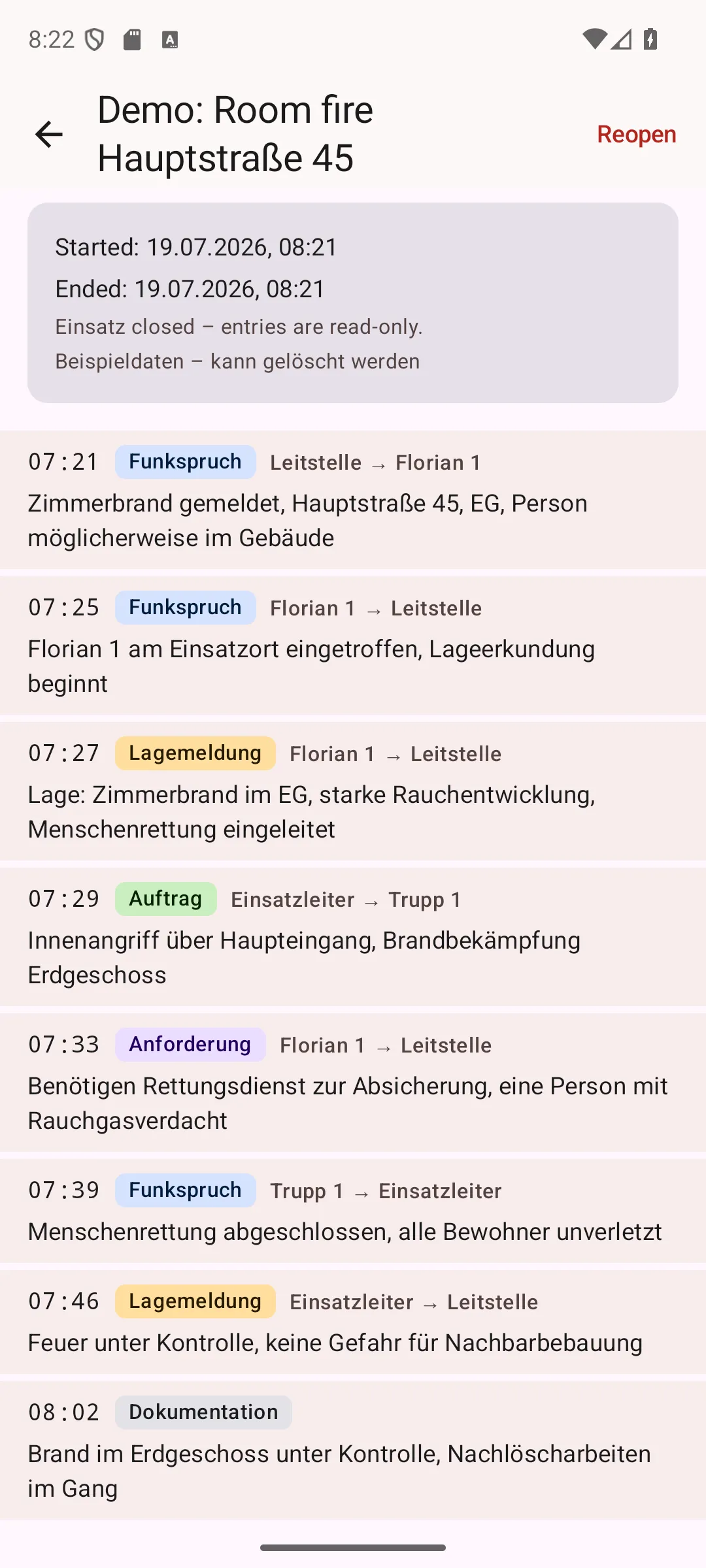
The spec-driven part worked exactly as hoped: the acceptance criteria in spec 002 became the emulator test script. And it caught a real bug — the demo backdates its radio traffic by an hour, but the Einsatz start time was stamped “now”, so the log claimed the operation started after its own first radio message. In an official incident record, that inconsistency is exactly the kind of thing that matters. Fixed, tested, and the repository API is better for it.
Dark mode is already in — tuned for night operations, no pure white anywhere, the fire-red reserved for the one button that matters.
Next slice: the quick-entry form. The target is written in the spec: a routine entry in under ten seconds, four taps plus the message. That’s the whole reason this app exists.
Under the hood
One Gradle module for the app, one for the UI, two targets – and that’s deliberate. Because the only targets are Android and iOS, Room and the whole data layer can live in commonMain:
┌──────────────────────────── :ui  (commonMain) ────────────────────────────┐
│  Compose Multiplatform · Material 3 · atomic design                       │
│  atoms → molecules → organisms → *Content (stateless screens)             │
└───────────────────────────────────┬───────────────────────────────────────┘
                                    │ state ↓   events ↑
┌───────────────────────── :composeApp (commonMain) ────────────────────────┐
│  *Screen (koinViewModel) → *ViewModel (StateFlow<UiState>)                │
│                               │                                           │
│                        EinsatzRepository ── rules: closed = read-only,    │
│                               │               reopen writes an entry      │
│                     EinsatzDao · LogEntryDao  (Room KMP, bundled SQLite)  │
└──────────────┬──────────────────────────────────────────┬─────────────────┘
          androidMain                                   iosMain
     DB file via Context                         DB file in Documents/
The lifecycle is a tiny state machine, and the repository is the only place allowed to move it:
            create                  close
  (none) ─────────▶  ACTIVE  ─────────────────▶  CLOSED (read-only)
                       ▲                               │
                       └────────── reopen ─────────────┘
                         writes a Dokumentation entry: "Einsatz wieder geöffnet"
endedAtEpochMs == null means active. Adding an entry to a closed Einsatz doesn’t return an error code you could ignore – it throws EinsatzClosedException, so the UI can’t accidentally write into a closed record.
#BuildInPublic #Shipaton